
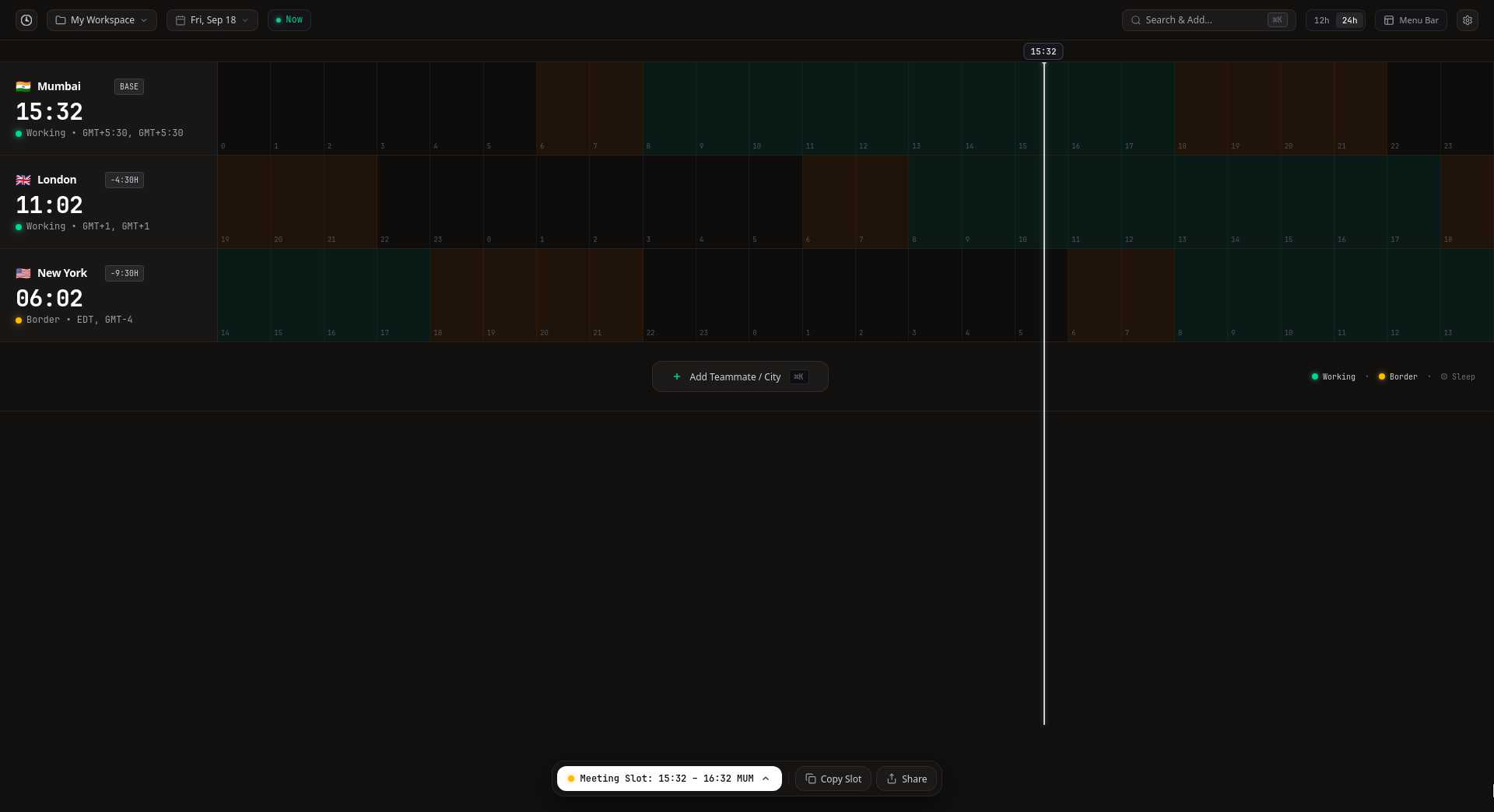
Local impact breakdown 15:00–16:00
- Your Location
- 15:00–16:00 · Working
- London
- 10:30–11:30 · Working
- New York
- 05:30–06:30 · 30m Sleep + 30m Border
Web planner · No account required
Compare the complete meeting interval across local Working, Border and Sleep hours.
Free. No account required. RealTimeZones Desktop →

Duration matters · Friday, Oct 23, 2026
The same start time can produce a different local exposure mix as the meeting gets longer.
Local impact breakdown 15:00–16:00

Local impact breakdown 15:00–16:30
Built for the whole decision
RealTimeZones compares the complete meeting interval in every selected city, helping you choose a time that works before you share or export the plan.
The full meeting interval is evaluated—not only its start time.
Suggested times respond to the selected duration and local hours in every selected city.
Compare the same interval across your selected cities in one aligned timeline.
Working, Border and Sleep labels make local impact visible without reducing the result to a score.
Copy a planner URL that preserves the selected cities, date, start time, duration and time format.
Example · 15:00 start · 60 minOpen a pre-filled Google Calendar or Outlook event, or download an ICS file for Apple Calendar and compatible calendar apps.
Google Calendar · Outlook · Apple Calendar · ICS FileLocal by default
Planner state is stored in your browser. Share links contain the meeting state you choose, and external calendar destinations open only after an explicit action.
RealTimeZones Desktop
Use the web planner for scheduling and sharing. RealTimeZones Desktop is for when you want city timelines, workspaces and system-tray access available throughout the day.
Available for macOS, Windows and Linux.
Open the planner, add your cities and compare the complete interval before you send the invite.
Open PlannerFree · No account required